

Make cyber hygiene a habitKeep your online space safe
Learn how to protect your accounts, devices and privacy — with short lessons, games that challenge you and step-by-step guides for every device. For pupils, parents and teachers.
Turn on two-step verification (2FA) for your email — it's the strongest protection for your accounts.
Who is this site for?
For everyone — but each of us starts from a different place.
Pupils aged 11–16
Social media, online games, scams and AI.
Parents
Parental controls, app age ratings and how to talk about it.
Teachers
Ready-made materials for your lessons.
Games that turn you into a cyber hero
Every game teaches you a real skill and earns you a badge for your Passport.
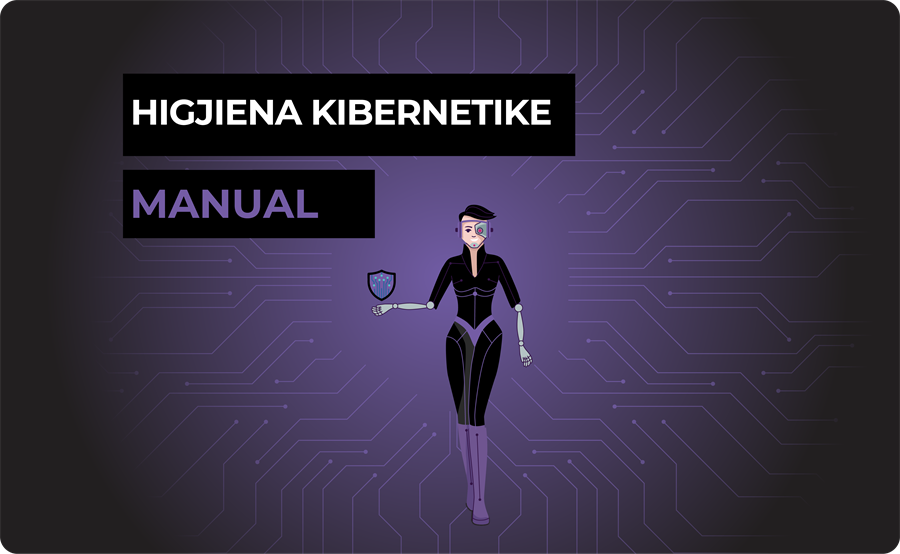
Meet the cyber hygiene heroine
An animated video that explains in just a few minutes how to protect yourself online — ideal for starting a lesson in class.
12 lessons, from passwords to artificial intelligence
Every lesson has real-life examples, a ✅ Do / ❌ Don't list, tips for parents and a mini-quiz at the end.
Secure every device you use
The right settings, what to do and what not to do, and parental controls.
10 golden rules of online safety
If you remember only these, you're already a step ahead of most people.
- Use phrases, not words
A long password like “Flower-Mountain-Coffee-Moon” is stronger than “P@ss1!”.
- One account, one password
Never reuse the same password. Use a password manager.
- Turn on 2FA
Two-step verification stops most account takeovers.
- Think before you click
Urgency, “free” prizes and spelling mistakes are signs of phishing.
- Update everything
Your phone, computer and apps — updates close security holes.
- Check your privacy
Make your profile private and don't share your address, school or location.
- Be careful on public Wi-Fi
Don't log in to important accounts on open networks without a VPN.
- Download only from official stores
Google Play / App Store — and check the permissions the app asks for.
- Make backups
Keep a second copy of important photos and documents somewhere else (in the cloud or on a drive).
- Talk to someone you trust
If something online worries you, tell a parent, a teacher or another adult.
🏅 Cyber Passport
Collect 13 badges from the games and lessons, climb from 🥚 Beginner to 🏆 Legend — and print your certificate.
🆘 Something wrong?
A hacked account, threatening messages or online bullying — see what to do step by step and where to report it.